VCIN COMPLIANCE
Secure VCIN Access,
Simplified MFA for Every Agency
The Virginia Criminal Information Network sets strict standards for safeguarding sensitive law-enforcement data. Currently, agencies are required to maintain strong identity verification, controlled workstation access, continuous oversight of user activity, and clear audit trails for compliance reviews.
Meet VCIN requirements with minimal effort using GateKeeper tokens. First, passwordless authentication ensures that only verified personnel access VCIN terminals. Second, automatic lock and unlock prevent unattended exposure during busy operations. Continuous proximity monitoring maintains session security as officers move around the workstation, and detailed audit logs provide clear records for inspections and incident reviews. GateKeeper strengthens VCIN compliance, reduces password-related risk, and supports fast, efficient workflows across patrol, records, and dispatch environments.

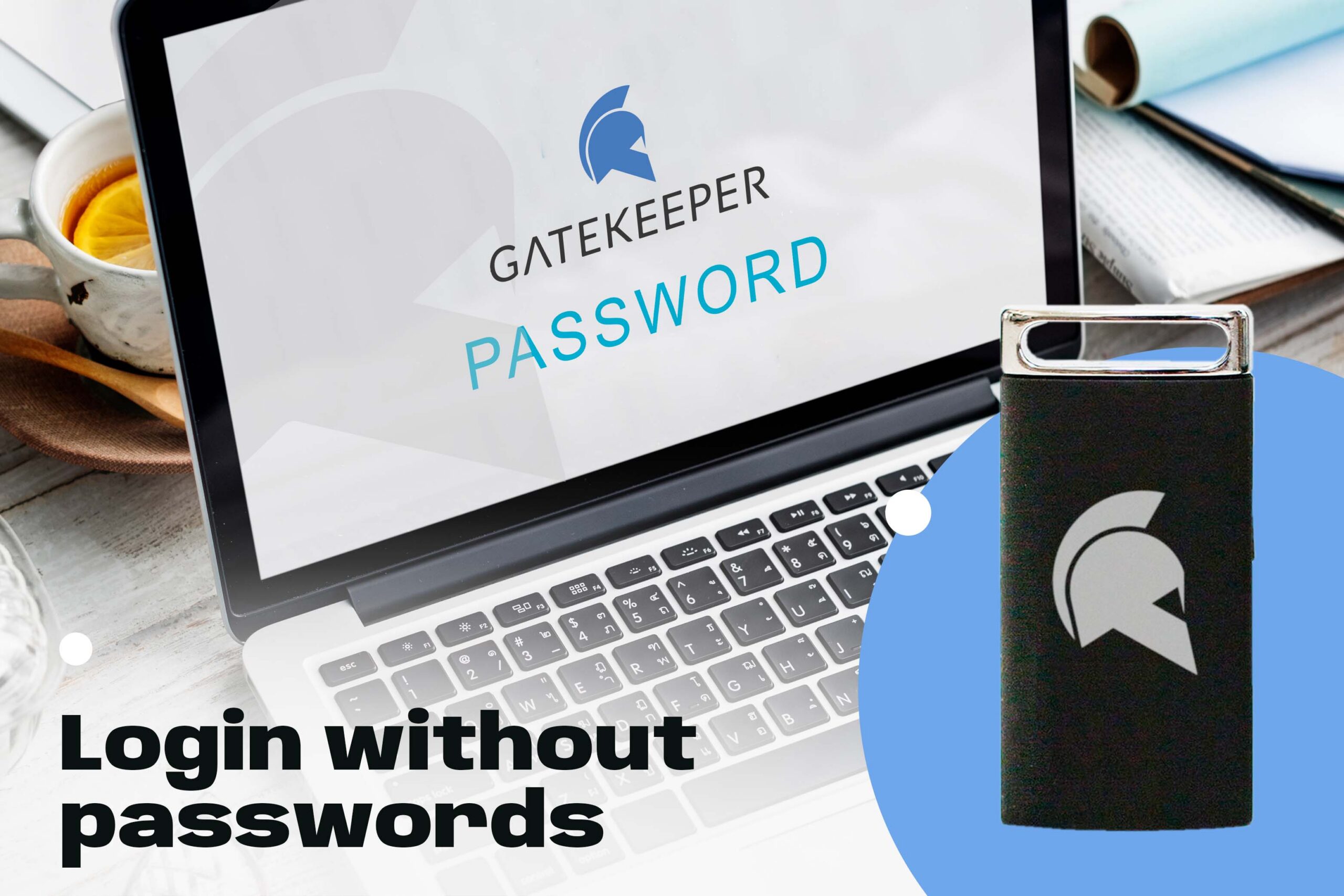
"Halberd is a Bluetooth proximity–based, access-control device that permits the user to their computer and have it automatically lock as they depart. Upon their return, Halberd restores the screen — all with no pins and passwords. The device saves computer security from breach as soon as a user leaves the immediate area as well as saves any lost work time logging on and off computers. Personal security is also greatly enhanced by the automatic lock and unlock capability based on proximity. Industries such as medicine, law, security, transportation and logistics will get a competitive advantage, as their competitors waste time, manpower and put themselves at potential of serious and costly data breach."
Correctional News


REDUCES SHARED WORKSTATION RISKS
GateKeeper stops password sharing on shared terminals in dispatch, report rooms, and patrol vehicles, reducing credential misuse and tightening VCIN access control.
ACTIVE WORKSTATION SECURITY
Automatic locking, instant credential revocation, and live access alerts help agencies respond quickly to suspicious activity. Keeps sensitive VCIN data protected anytime a terminal is left unattended.

AUDIT-READY ACTIVITY REPORTING
GateKeeper captures every lock, unlock, and authentication attempt, creating a complete audit trail for VCIN and CJIS compliance reviews, internal investigations, and supervisory oversight.
PRESENCE-BASED AUTHENTICATION
Proximity tokens with PIN ensure only verified users access VCIN systems. Officers unlock MDTs by their presence and entering a PIN. Therefore avoiding shared or complex passwords.
Secure access, enforce rules, eliminate manual passwords with GateKeeper. Meanwhile, the risks only keep growing and getting worse...
GateKeeper Enterprise VCIN Compliance Summary
The Virginia Criminal Information Network (VCIN) sets strict standards for protecting sensitive law-enforcement data, defining how agencies must verify identity, secure workstations, and control access to regulated systems. Consequently, GateKeeper helps Virginia agencies meet these requirements with proximity-based authentication, automatic locking, and continuous session monitoring. This strengthens identity assurance, reduces credential misuse, and supports secure, compliant operations across dispatch centers, records units, patrol vehicles, and other VCIN-connected environments.
| Category | Citation | VCIN Requirement | How GateKeeper Meets VCIN Requirement |
|---|---|---|---|
| Physical Access & Organizational Controls | 6VAC20-120-130(A–G) | Agencies must limit CHRI access to authorized personnel; detect unauthorized access; ensure only authorized officers/employees have direct access; require those with access to protect CHRI; safeguard repositories from disasters; maintain backups/disaster recovery; and tightly control system documentation. | GateKeeper enforces user-specific authentication (token + PIN) so only authorized users can unlock CHRI workstations; auto-locks when users leave to prevent exposure; provides audit logs to help detect unauthorized access attempts; supports Hub backup to retain authentication policies; and uses role-based admin access so only designated admins can view/modify GateKeeper system configuration. |
| Telecommunications & Remote Device Requirements | 6VAC20-120-150 | CHRI/VCIN access over networks must use dedicated or approved lines; any access to VCIN requires VSP approval; remote devices must be secure, attended, or made inoperable when unattended; and telecom facilities/devices must be secured, hardware-identified, and protected from tampering, with proper operator identification. | On VCIN-connected workstations, GateKeeper ensures that only authorized, authenticated users can use the terminal; when a user walks away with their token, the workstation is automatically locked (made inoperable); and each access is tied to a specific operator identity (user + token + PIN), supporting the requirement for operator identification and secure use of remote devices. |
| Computer Operations & Logical Security Controls | 6VAC20-120-160(A–I) | Agencies must implement technical controls to prevent unauthorized access to CHRI; operate systems according to approved procedures; ensure CHRI cannot be modified or accessed from non-CJ terminals; restrict unauthorized queries/updates/destruction; detect and log intrusion attempts; keep security program details restricted; designate a system administrator; and maintain the ability to audit and inspect security procedures. | GateKeeper provides MFA (token + PIN) and proximity-based locking to prevent unauthorized use of CHRI workstations; Hub policies enforce consistent authentication behavior across the agency; access to CHRI-capable terminals is restricted to authorized AD / CJ user accounts; all unlock/lock events, failed PINs, and invalid token attempts are logged and can be exported for audits; and Hub admin roles designate who manages user accounts, tokens, and policies, supporting both system-administrator and audit requirements. |



Finally, see GateKeeper Enterprise advanced MFA in action.
Take a self-guided tour of how you can evolve from passwords. Then you're really saving time with automation.
Enterprise 2FA with tap and go login plus an integrated password manager. One key for all your passwords. Experience fully automated login and security. For example, faster MFA, auto-OTP, password manager, and worry-free workflow with proximity-based privileged access management for Windows 11, 10, 8, 7, VPNs, websites, and desktop applications including MES, EHR, CAD/RMS, and more. Overall, a massive upgrade to security and efficiency.