
What is Passwordless SSO?

Passwordless SSO combines passwordless authentication with Single Sign-on (SSO). Together, it means that a user can prove their identity once using a strong, non-password method in order to gain access across systems without ever typing a password.

What does "Passwordless" actually mean?

Passwordless authentication replaces passwords by instead having the user prove that they have (or are logging in from) a trusted device. Some common passwordless methods include:

  • FIDO2/WebAuthn

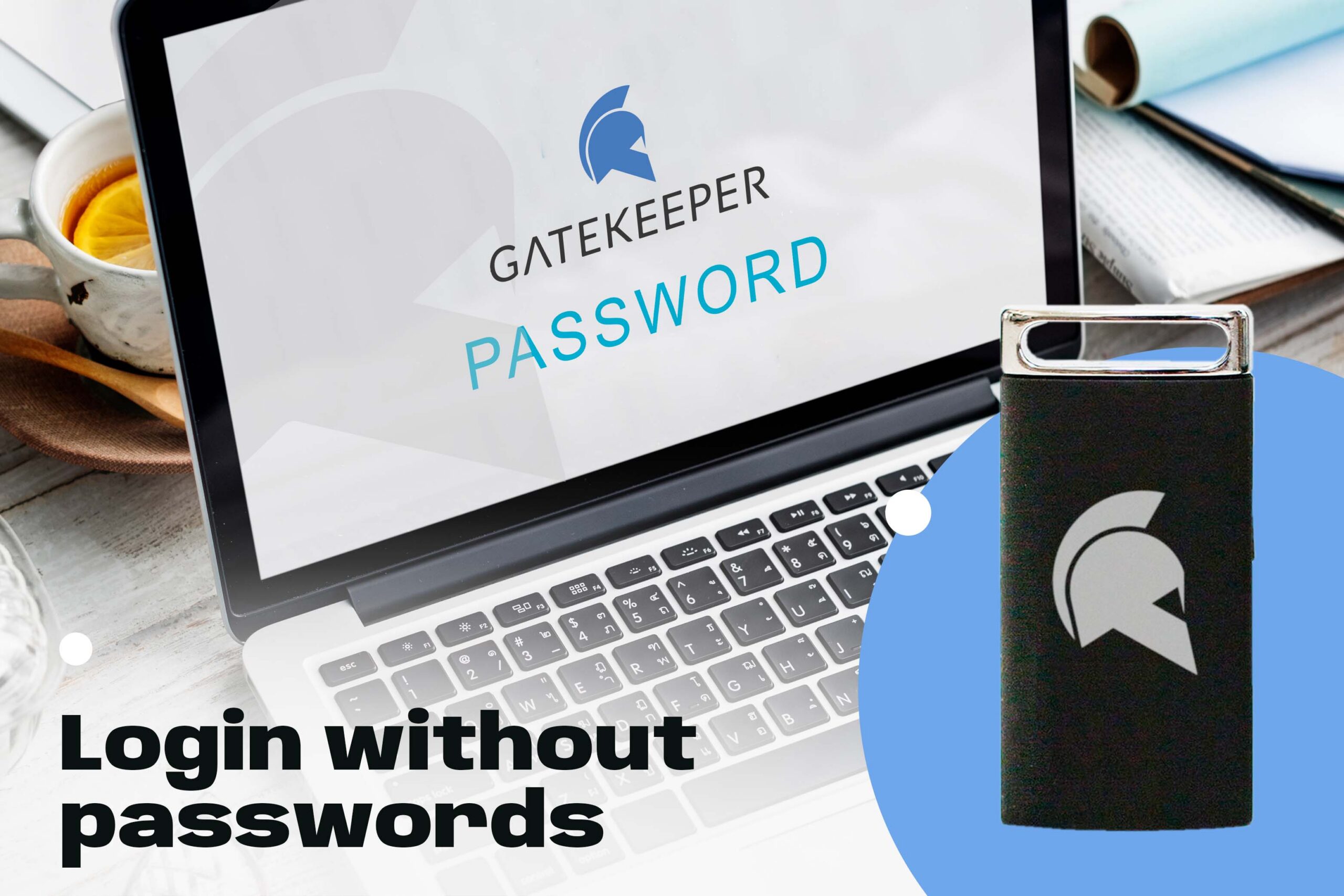
    • Hardware security keys (e.g., GateKeeper Halberd, YubiKey)
    • Built-in device authenticators (Face ID, Touch ID, Windows Hello)
  • Push-Based Authentication
    • User receives a push notification on a trusted device to approve a login attempt
  • One-Time Codes
    • User enters their email or phone number to receive a time-limited login link to authenticate their session

Common Workflow with Passwordless SSO

  1. User visits an app and is redirected to the Identity Provider (IdP).
  2. IdP triggers a non-password authentication method
  3. User proves possession of a secure device using a WebAuthn challenge, push approval, or biometric prompt
  4. IdP verifies the authentication and issues tokens (OIDC) or an assertion (SAML)
  5. SSO session is enabled and subsequent apps reuse the IdP session without needing to repeat authentication

Why Passwordless SSO is Stronger

By replacing passwords with device-based verification or cryptographic keys, Passwordless SSO eliminates risks like phishing, credential stuffing, password reuse, and data breaches. At the same time, SSO functionality ensures authentication policies (e.g., MFA requirements) are enforced consistently across all participating applications. This results in both higher security and a smoother user experience.

Enterprise 2FA with tap and go login plus an integrated password manager. One key for all your passwords. Experience fully automated login and security. For example, faster MFA, auto-OTP, password manager, and worry-free workflow with proximity-based privileged access management for Windows 11, 10, 8, 7, VPNs, websites, and desktop applications including MES, EHR, CAD/RMS, and more. Overall, a massive upgrade to security and efficiency.
Download the free Android app.

Proximity-based continuous MFA

Active Directory integration with admin console

Audit traceability for shared computer logins

Automatic OTP on websites for 2FA

Wireless login for desktops, VPNs, web, and software

Lastly, automatically lock all unattended workstations