
oidc

What is OIDC Authentication?

Introduction

Having to sign in to multiple accounts, each with different usernames and passwords, can be frustrating and time consuming. OpenID Connect (OIDC) is a standard protocol used to provide authentication by enabling two unrelated applications to share user information without compromising security. OIDC is often implemented when creating a new account on a third-party site, where users are given the option to use their existing Google, Facebook, and other "federated" accounts for identity verification. By consolidating passwords through OpenID standardization, user information is kept more secure. Additionally, access management for users is streamlined since there is less to remember.

How Does OIDC Work?

OIDC is built on top of the OAuth 2.0 authentication framework, enabling apps to verify user identity and access basic user information. Identity Providers (IDPs) like Google, Okta, and Microsoft Active Directory who implement this framework distribute user information in the form of cryptographically verifiable ID Tokens that the client (user's device) must validate. After successful validation, the client can use the ID Token to create local sessions and save user data to third-party applications before the token expires.

OIDC Use Cases

  • User login to web apps and mobile apps
  • SSO across multiple apps
  • Enterprise workforce authentication
  • MFA

In effect, OIDC implementation builds a cross-platform identity that allows users to prove their identity to multiple apps using a single password.

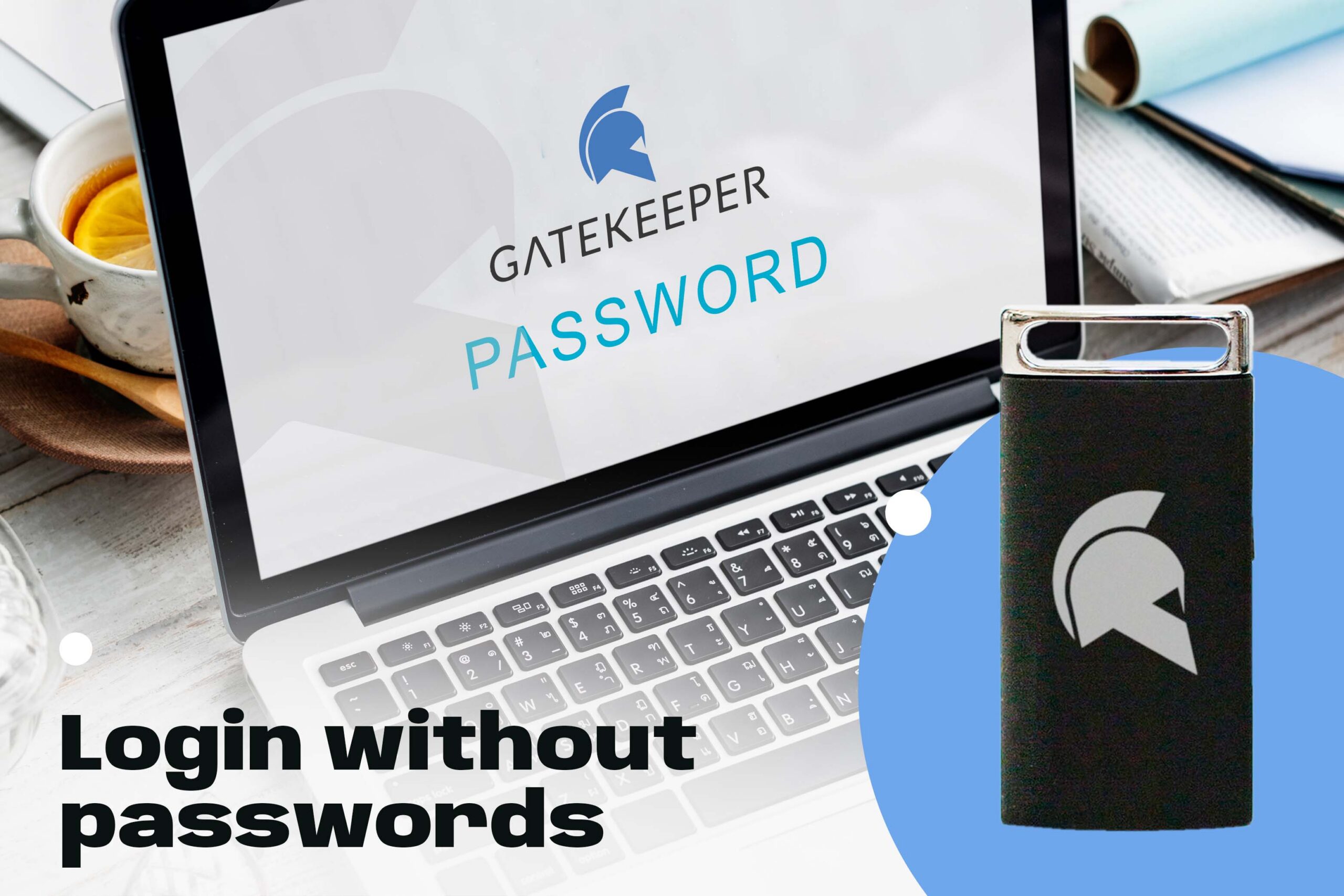
Enterprise 2FA with tap and go login plus an integrated password manager. One key for all your passwords. Experience fully automated login and security. For example, faster MFA, auto-OTP, password manager, and worry-free workflow with proximity-based privileged access management for Windows 11, 10, 8, 7, VPNs, websites, and desktop applications including MES, EHR, CAD/RMS, and more. Overall, a massive upgrade to security and efficiency.
Download the free Android app.

Proximity-based continuous MFA

Active Directory integration with admin console

Audit traceability for shared computer logins

Automatic OTP on websites for 2FA

Wireless login for desktops, VPNs, web, and software

Lastly, automatically lock all unattended workstations